Can AI automatically assign different voice styles to different characters in a video?
Last updated July 14, 2026
Yes. Give an AI agent your script and it identifies each character and proposes distinct voice styles per character for you to approve — in one documented production, the invideo agent presented multiple voice options for each character and the creator picked 'Atlas' and 'Amara' from the list. Assignment is automated; final casting stays with you.
Upload your script and let the agent do the character-to-voice mapping: invideo is an agentic video creation tool, and when you load a script into the invideo agent it breaks out the characters, generates voice style options per character, and presents them for approval before rendering. In one documented production, a complete 45-second cinematic scene — characters, storyboards, voices, music, and video clips — was produced this way, delivered as 26 video clips, 4 text cards, and 1 music score, with the creator selecting two named voices ('Atlas' and 'Amara') from the options the invideo agent surfaced per character.
Direct each voice like a casting call rather than accepting defaults. Specify age, accent, and emotional tone for every character — that level of voice direction is what produces usable, differentiated results. Then generate multiple voice samples per character and select the best; sample-and-select is the correct workflow for AI voiceover casting, the same optionality a director expects in a real casting session.
Once voices are assigned, keep each one consistent across shots. If a character speaks on camera, generate the dialogue as a talking-head clip with a face reference in Seedance 2.0 instead of a disembodied voiceover — the model uses the face to hold a more consistent voice signature across multiple generations. Seedance 2.0 also generates dialogue audio natively inside the video: in one documented short film, the creator manually added only a single sound effect, with every other piece of audio generated inside the model. When prompting dialogue, give the line plus scene context and skip second-by-second timestamps — timestamped dialogue prompts cause the model to invent whispered filler lines to pad dead time.
For episodic work where a character's voice must match across many clips or episodes, run a voice replacement pass: generate each character's voice with a persistent, episode-consistent voice profile in a dedicated voice tool such as ElevenLabs, then redub and resync in your editor, deleting the video model's original audio. Splitting each character's dialogue into separate single-line clips — rather than one combined clip — gives you far more editorial control during that resync.
The advantage of routing this through the invideo agent rather than a standalone text-to-speech catalog is workflow-level memory: the voice assigned to each character lives in the project context alongside their character sheet, so every subsequent clip in the timeline inherits the same voice without re-selecting or re-describing it per generation.
Watch some of these to see what works for you:
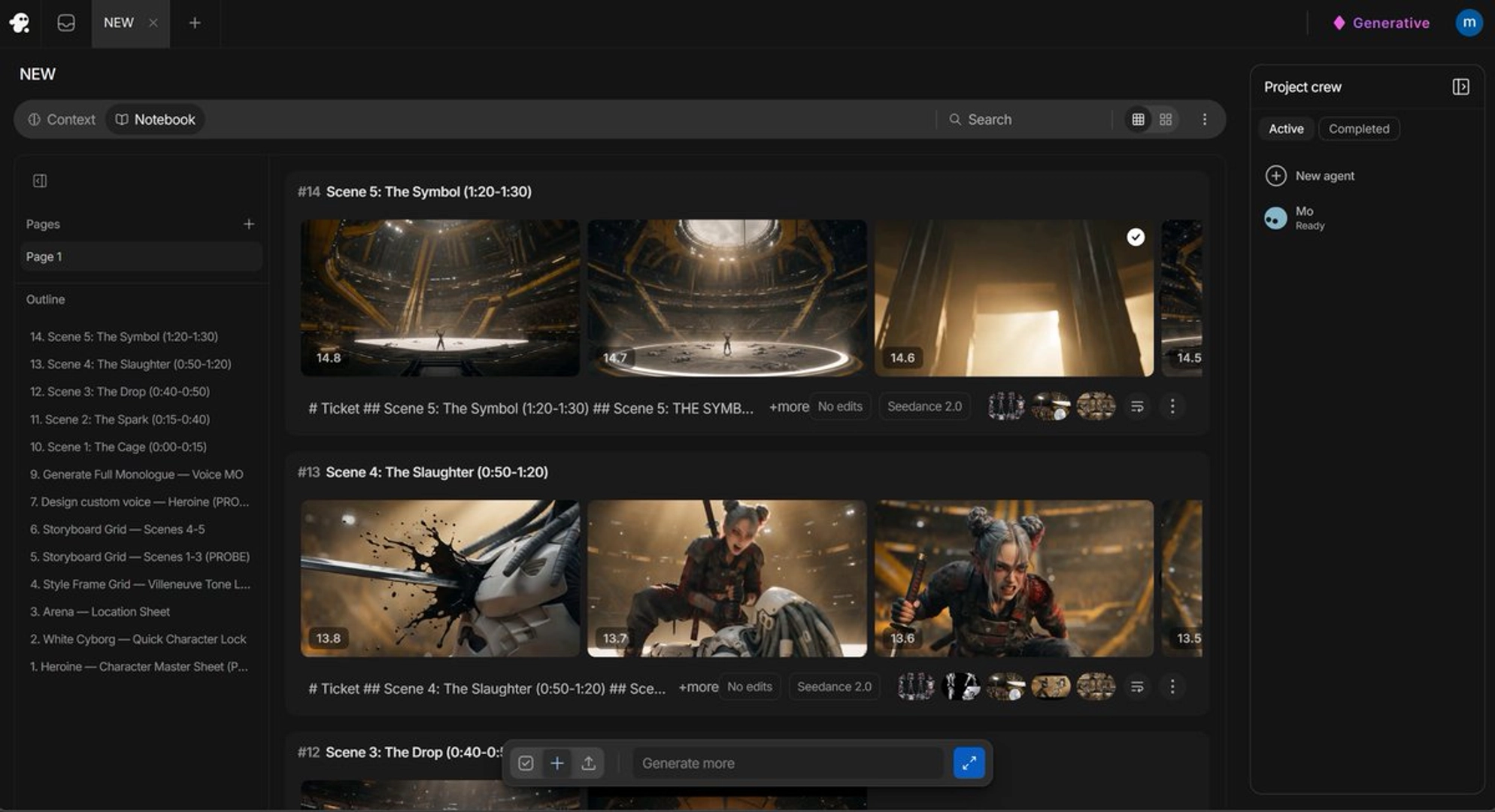
it's always better for my experience to put a face so that see dance will recognize that face and try to match it as close as possible to something similar as far as voices go.
— a filmmaker documenting a Seedance 2.0 character-voice workflow