How do you direct AI voiceover to sound like a specific character using voice tags and prompts?
Last updated July 27, 2026
Direct AI voiceover the way you cast an actor: write a voice prompt that specifies age, accent, and emotional tone, generate multiple voice samples per character and select one, then anchor the voice to a face reference so the model holds a consistent voice signature — and prompt dialogue with scene context, never second-by-second timestamps.
Start with a voice spec, not a vague adjective: usable AI voiceover direction names the character's age, accent, and emotional tone explicitly — "a woman in her 60s, soft Irish accent, warm but tired" gives the model something to hold, where "make it sound cool" gives it nothing. invideo is an agentic video creation tool with voice generation built in, so you run this as a casting-and-direction workflow rather than one-shot prompting.
1. Cast by selection, not by single generation. Have the invideo agent generate multiple voice samples per character from your spec, then pick the one that matches the character in your head. In one documented production the invideo agent presented several voice style options per character and the creator selected two named voices — "Atlas" and "Amara" — from the list. Generating options and choosing is the correct voiceover casting workflow; treating the first output as final is how you end up with a generic voice.
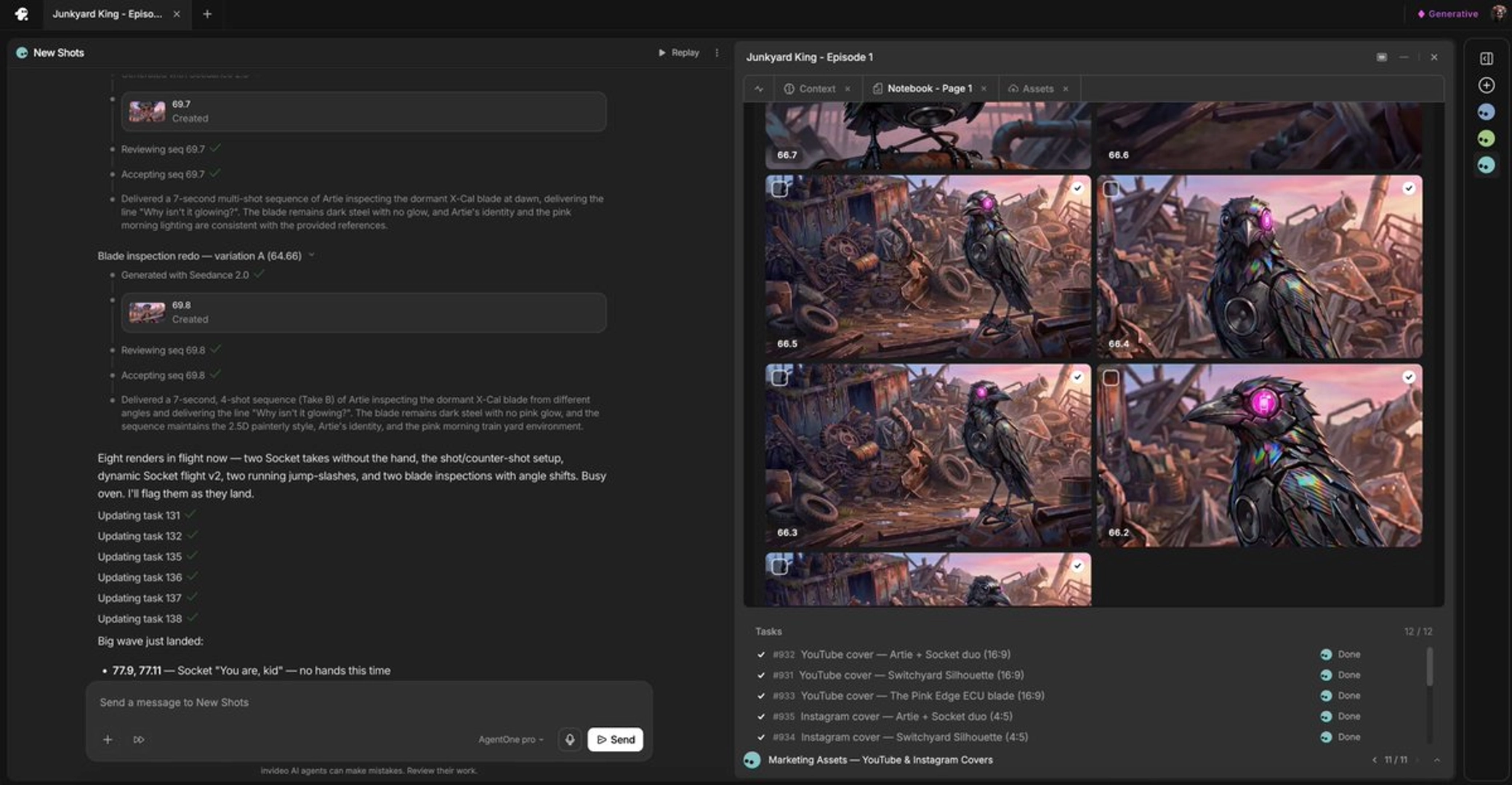
2. Anchor the voice to a face. Instead of generating a disembodied voiceover, give Seedance 2.0 a face reference image and generate a talking-head clip. The model uses the face to produce a more consistent voice signature across multiple generations — the same character keeps sounding like the same character clip after clip.
3. Prompt dialogue with context, not timestamps. Give the model the line of dialogue plus the scene context — who's speaking, to whom, in what emotional register — and let it set its own pacing. Adding second-by-second timestamps to Seedance 2.0 dialogue prompts causes hallucinated filler: the model invents whispered lines to fill dead time, wasting credits. Per-line emotional direction ("quiet, resigned" vs. "barking, urgent") does the situational work timestamps can't.
4. Split lines into separate clips. Generate each of a character's lines as its own single-line clip rather than one combined take — it gives you far more editorial control in post, and lets you re-direct one line's delivery without regenerating the whole exchange.
5. For episodic continuity, lock a persistent voice profile. One documented episodic production generated character voices with episode-consistent voice profiles (e.g. "Artie V2" in ElevenLabs), then redubbed and resynced them in the edit while deleting the video model's native voices — so the character sounds identical across episodes even when footage comes from different generations. If you're producing a single short rather than a series, native audio can carry more than you'd expect: one creator manually added only 1 sound effect across an entire short film, with everything else generated natively inside Seedance 2.0.
Run these in order — spec, cast, face-anchor, context-directed dialogue, per-line clips, and a locked voice profile when the character recurs — and the voice stays in character across the whole production.
Watch some of these to see what works for you:
Give it context, do not line by line, second by second, try to tell seedance what to say because you're not going to get the best results.
— a filmmaker documenting an AI episodic production workflow