How do you prompt AI video tools to generate electricity and energy VFX effects?
Last updated July 27, 2026
Generate electricity and energy VFX from scratch with animation-language prompts — not video-to-video edits, which produce static painted-on glows. Describe how the effect changes frame to frame ("the arcs must change shape every frame, like hand-drawn cel animation of electricity"), layer scene-specific positive and negative constraints, and budget roughly 3 generations per usable shot.
Start by choosing the right generation path: for dynamic effects like electricity, plasma, or energy auras, generate the shot from scratch rather than trying to add the effect to existing footage. Video-to-video editing is unreliable for frame-by-frame animated effects — models tend to paint a static glow onto the frame instead of animating it. From-scratch generation with strong prompt direction consistently outperforms surgical video-to-video edits for this effect class.
Next, write the prompt in animation language, not effect labels. The instruction that unlocks dynamic energy is describing per-frame variation explicitly: "The arcs must change shape EVERY FRAME — like hand-drawn cel animation of electricity." Naming a familiar animation medium gives the model a motion reference, not just a look. Build the full prompt from five parts: the effect type (electric arcs, plasma discharge, energy aura), its placement (crackling between the hands, emanating outward from the chest), its appearance (vivid blue-white, high contrast against a dark background), its motion behavior (rapid flicker, building pulse, surging outward, shape changing every frame), and the camera (tight close-up, slow push-in) — all in your film's aspect ratio. A usable template: "Electric arcs crackle between the character's raised hands, vivid blue-white against a dark background. The arcs must change shape every frame, like hand-drawn cel animation of electricity — rapid flicker, energy surging outward as intensity builds. Tight close-up, slow push-in."
Then layer positive and negative constraints tailored to the scene. State what the effect must do (continuous frame-to-frame variation, light spilling onto the subject) and what it must not (no static glow, no painted-on overlay, no floating or cloned limbs where the energy touches the body). Generic keywords fail here — "cinematic" or "epic VFX" produces generic results; specific visual description is what lands. And a single negative line is rarely enough for style enforcement: in one documented production, achieving one negative constraint required aggressive negative prompting plus multiple generation passes.
Finally, plan for iteration and selection. Documented productions averaged 3 generations per usable shot, and in one 3-minute episode only 41 of 164 generated clips made the final cut — for a demanding effects shot, generate several takes and keep the seconds where the energy animates convincingly; a Frankenstein shot stitched from the best segments of two or more generations is standard practice. On model choice: Seedance 2.0 handles stylized animated motion well — it preserves a traditional two-to-three-frame animation aesthetic that suits cel-style energy effects — while Kling 3.0 and Veo cover multi-shot and photoreal sequences. All of these models run inside invideo, and the invideo agent routes each shot to the right one and writes the structured prompt from your direction; you can also read its auto-generated prompt log to study how a successful VFX prompt was constructed and reuse that phrasing.
Watch some of these to see what works for you:
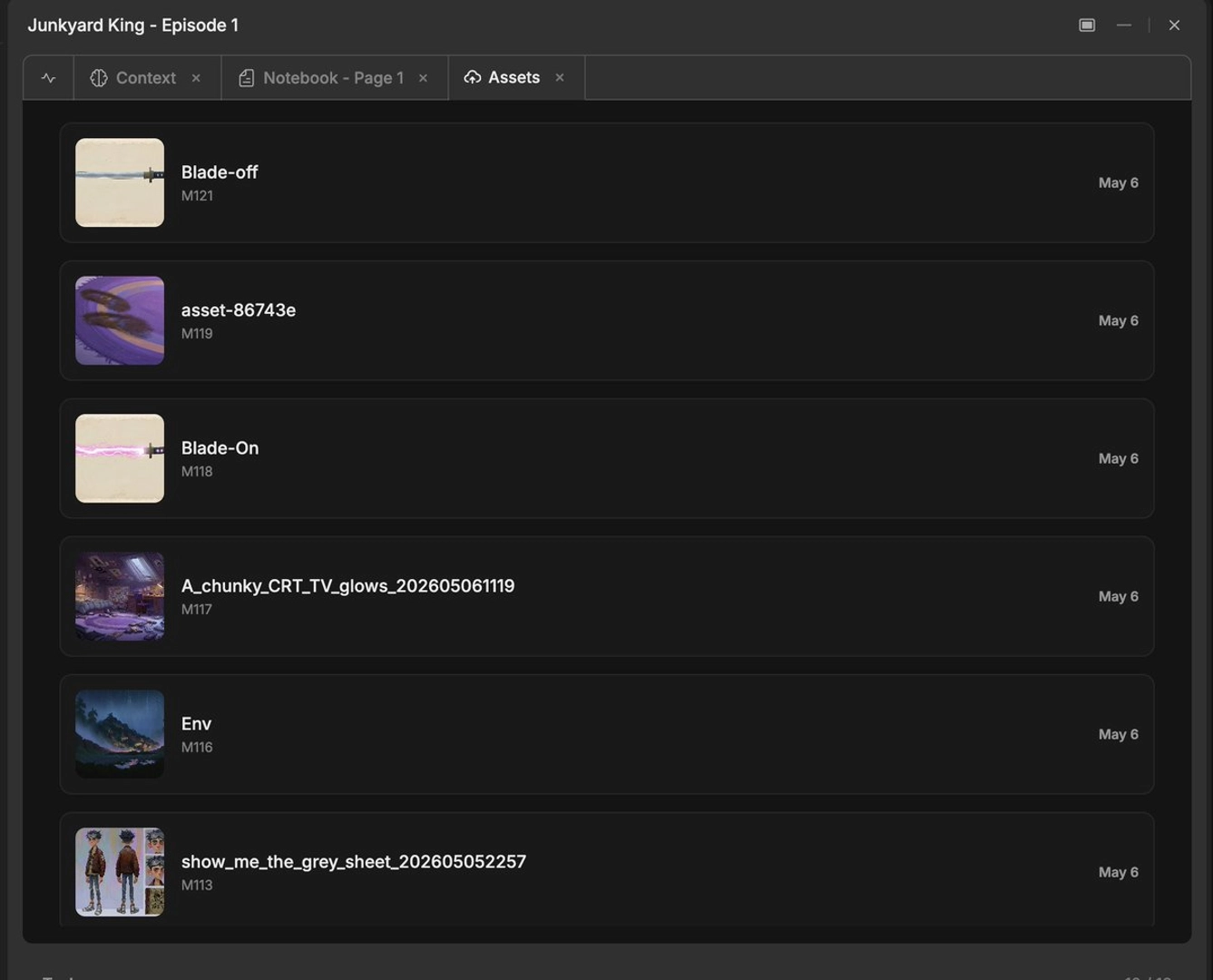
From-scratch generations with strong prompt direction beat surgical V2V edits for complex VFX every time.
— an AI filmmaker, from a documented VFX-heavy production workflow