How do you stop an AI agent from generating video before you've reviewed and approved the prompt?
Last updated July 27, 2026
You stop it with explicit approval gates before the render step:
Always Ask mode — the invideo agent pauses and shows each prompt before spending credits
Prompt-only instruction — the agent outputs the written prompt and waits for sign-off
Cheap previews first — approve storyboard frames before any video generation
Stop and correct it mid-task if it jumps ahead
invideo is an agentic video creation tool, and its agent can be configured to wait for your approval at every generation step — here is how to set each gate up.
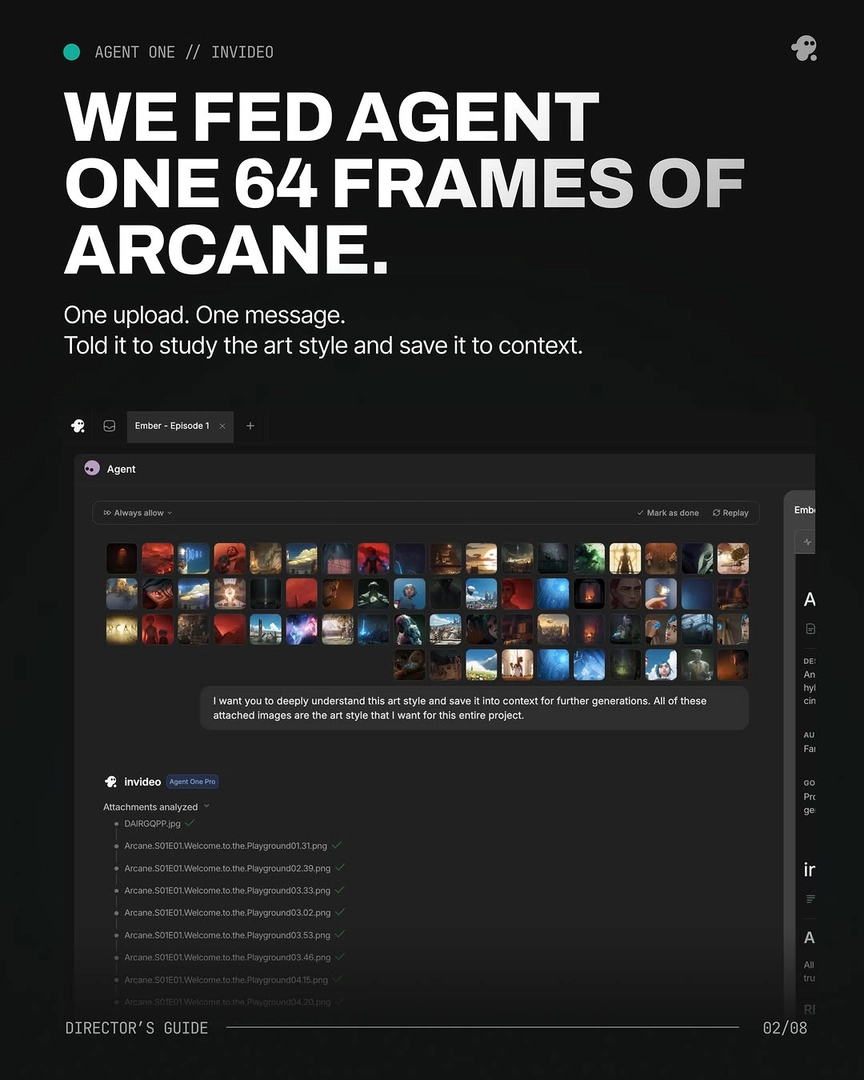
Run the invideo agent in Always Ask mode. This is the built-in per-generation gate: before any clip renders, the invideo agent presents the assembled prompt plus the attached references, and nothing generates until you explicitly approve. One documented production ran every 15-second clip through this gate, attaching character references and a locked style block to each prompt and approving them one by one before credits were spent.
Instruct the agent that its deliverable is the prompt, not the render. In your first message, state the working rule: for every shot, output the written prompt for review, and generate only after sign-off — telling the agent how you want to work in the first few steps is what makes it hold the rule across the project. One creator formalized this into a 12-parameter output per shot request — film reference, shot design, lens, lighting plan, color script, blocking, final prompt, negative prompt, and revision prompt — all reviewed on paper before anything rendered. This also lets you refine constraints while they're still free to change.
Gate by cost — approve cheap frames before expensive video. Image generation costs little; video generation is where credits go. Require an approved storyboard frame or keyframe before any clip renders: one documented storyboard-first production reported zero Seedance 2.0 credits spent before storyboard approval. The iteration math is why this matters — one documented episode used only 41 of its 164 generated clips (a 25% selection rate) at an average of 3 generations per usable shot, so a prompt error that slips past review multiplies across every retry.
Stop and correct the agent when it jumps ahead. Agents sometimes start rendering before you've signed off — interrupt the task immediately, state the correction, and restate the approval rule so it's held in project context for every subsequent shot. One creator documented exactly this: the agent began generating the actual video mid-refinement, was stopped, corrected, and then respected the review gate for the rest of the session.
These are some of the ways to gate generation before credits are spent — which combination works depends on how cost-sensitive each stage of your production is.
Watch some of these to see what works for you:
I had to stop it because it started to generate the actual video. It got too excited, got ahead of itself. So I'm going to simply correct it.
— a creator documenting a production on the invideo agent