InVideo AI voice vs ElevenLabs — which should I use for AI voiceover?
Last updated July 14, 2026
Use invideo's built-in AI voice when the voiceover lives inside a video pipeline — the invideo agent generates voices with full project context and no manual sync work. Use ElevenLabs when you need a persistent voice profile that stays identical across episodes. Documented productions run both ways, including a hybrid: generate video in invideo, redub with ElevenLabs, resync in the edit.
The deciding factor is where your voiceover has to stay consistent: within one project, invideo's built-in voice wins on integration; across an episodic series, a dedicated ElevenLabs voice profile wins on continuity.
When invideo's built-in voice is the right call. invideo is an agentic video creation tool, so voiceover is generated inside the same context that holds your script, characters, and shots — no exporting audio, no manual lip-sync alignment. In one documented production, the invideo agent presented multiple voice style options per character and the creator selected two named voices, 'Atlas' and 'Amara', from the list — generating multiple voice samples and casting from them is the correct workflow rather than accepting the first output. When you direct the voice, specify age, accent, and emotional tone; vague direction produces unusable reads. One creator's stack note is blunt: ElevenLabs was "replaced by [the invideo agent]'s built-in voice capabilities" once the whole pipeline moved under one roof. For on-camera dialogue specifically, Seedance 2.0 inside invideo generates character speech natively — and giving it a face reference image instead of requesting disembodied voiceover produces a more consistent voice signature across generations.
When ElevenLabs is the right call. If the same character must sound identical in episode 1 and episode 6, a persistent voice profile is the reliable mechanism. One documented episodic production (~30,000 credits, roughly 4 weeks) built episode-consistent voice profiles in ElevenLabs — e.g. a character profile on the Eleven v3 model — then deleted the video-model voices and redubbed in the edit. The underlying principle from that production: voices generated by video models should be replaced with dedicated voice AI and resynced when cross-episode continuity matters. Community practice matches this — creators report ElevenLabs' naturalness as the reason they bolt it onto otherwise all-in-one pipelines.
The hybrid workflow, step by step. 1) Generate your full video in invideo, letting the invideo agent handle script, visuals, and scratch voices. 2) Create or select your voice profile in ElevenLabs and generate each character's lines against it — split each character's dialogue into separate single-line clips rather than one combined take, which gives you far more editorial control. 3) In your editor, mute the original AI voices, lay in the ElevenLabs lines, and resync to picture. This is exactly the pattern working creators describe: copy the script out of invideo, run it through ElevenLabs, and marry the two in the edit.
The practical verdict. For a single narrated video, a promo, or faceless content at volume, invideo's built-in voice gets you from idea to finished video in one tool (plans run from Plus at $20/mo to Generative at $200/mo). For episodic characters, voice cloning, or maximum vocal naturalness, add ElevenLabs as the voice layer and treat invideo as the production engine. Neither choice is exclusive — the documented productions that shipped multi-episode work used both.
Watch some of these to see what works for you:
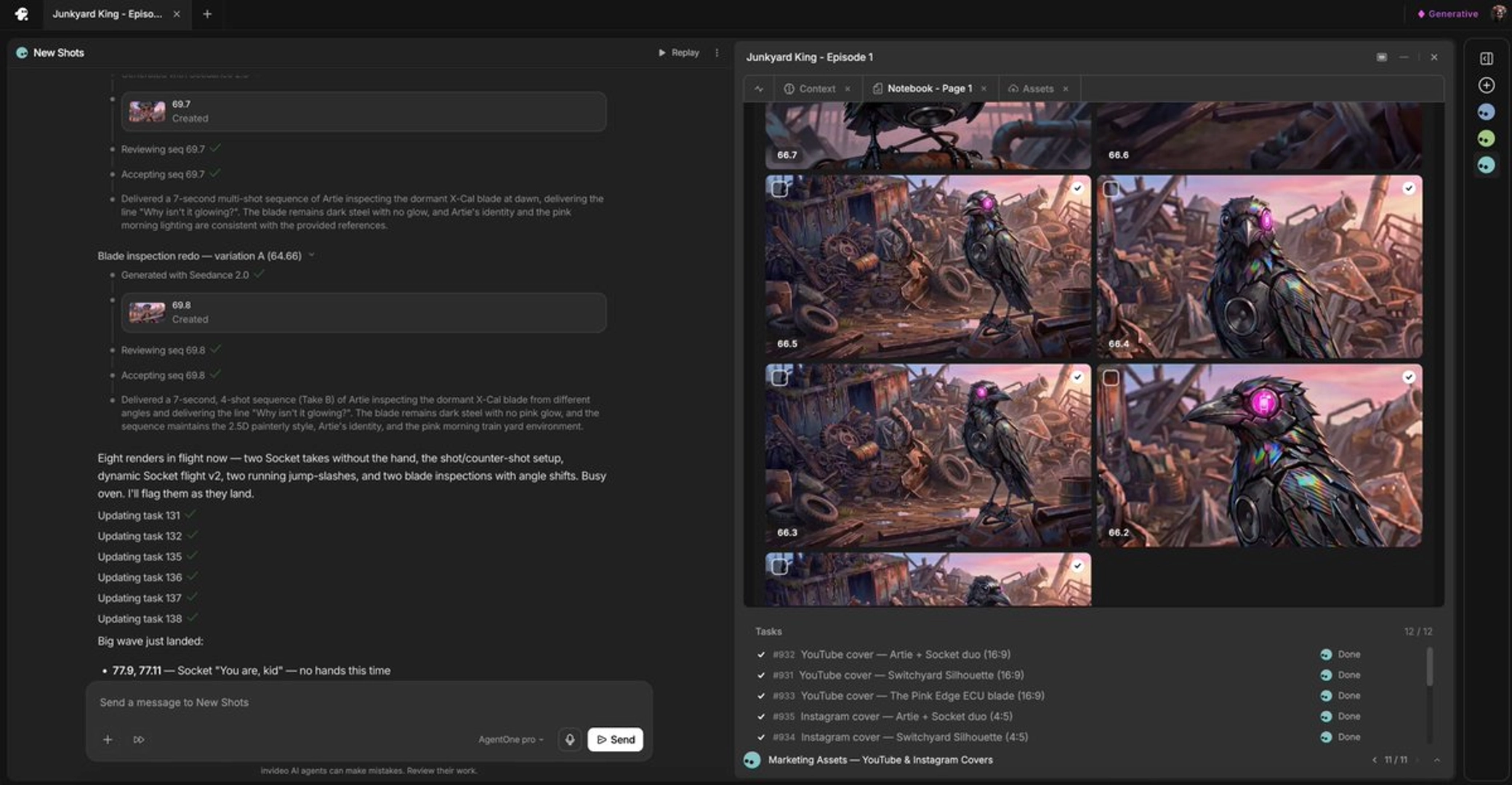
it's always better for my experience to put a face so that see dance will recognize that face and try to match it as close as possible to something similar as far as voices go.
— a filmmaker producing AI episodic content, documented in invideo's creator sessions