What is AI voiceover casting and how does the selection process work?
Last updated July 27, 2026
AI voiceover casting is auditioning synthetic voices the way you'd audition human talent: write a voice direction specifying age, accent, and emotional tone, generate multiple voice samples per character, compare them against the character, and lock the best fit. In one documented production, the invideo agent presented several voice options per character and the creator cast two named voices, 'Atlas' and 'Amara', from that list.
Treat each character's voice as a role to be filled, not a setting to toggle — the selection process runs in four steps.
1. Write the voice direction first. Specify age, accent, and emotional tone before generating anything — voice direction with those three elements is what produces usable AI voiceover results. A vague ask ("a male narrator") returns generic reads; "a woman in her 50s, soft midwestern accent, weary but warm" gives the generation something to hit.
2. Generate multiple samples per character. Generating multiple voice samples and selecting from them is the correct workflow for AI voiceover casting — one render is a guess, five renders is an audition. invideo is an agentic video creation tool, and its agent runs this audition for you: in one documented production, the invideo agent presented multiple voice style options for each character and the creator selected 'Atlas' and 'Amara' from the provided list. In another, a full 45-second cinematic scene — characters, storyboards, voices, music, and video clips — was produced through the same pipeline, with voice selection handled as a casting step inside it.
3. Evaluate against the character, not in isolation. Judge each sample on pacing, tone register, and fit with the character's age and personality — and cast per character rather than picking one house voice for the whole project. Community discussions on choosing AI voices converge on the same practice: shortlist a few candidates, read them against real script lines, then decide.
4. Lock the cast voice and keep it consistent. Once a voice is cast, consistency becomes the job. Two documented techniques: for talking-head shots, give the video model a face reference image rather than generating a disembodied voiceover — the face anchors a more consistent voice signature across generations. For episodic work, generate character voices with a persistent, episode-consistent voice profile in a dedicated voice tool, then resync those lines in the edit in place of the video model's native audio, so the character sounds identical from episode to episode.
Watch some of these to see what works for you:
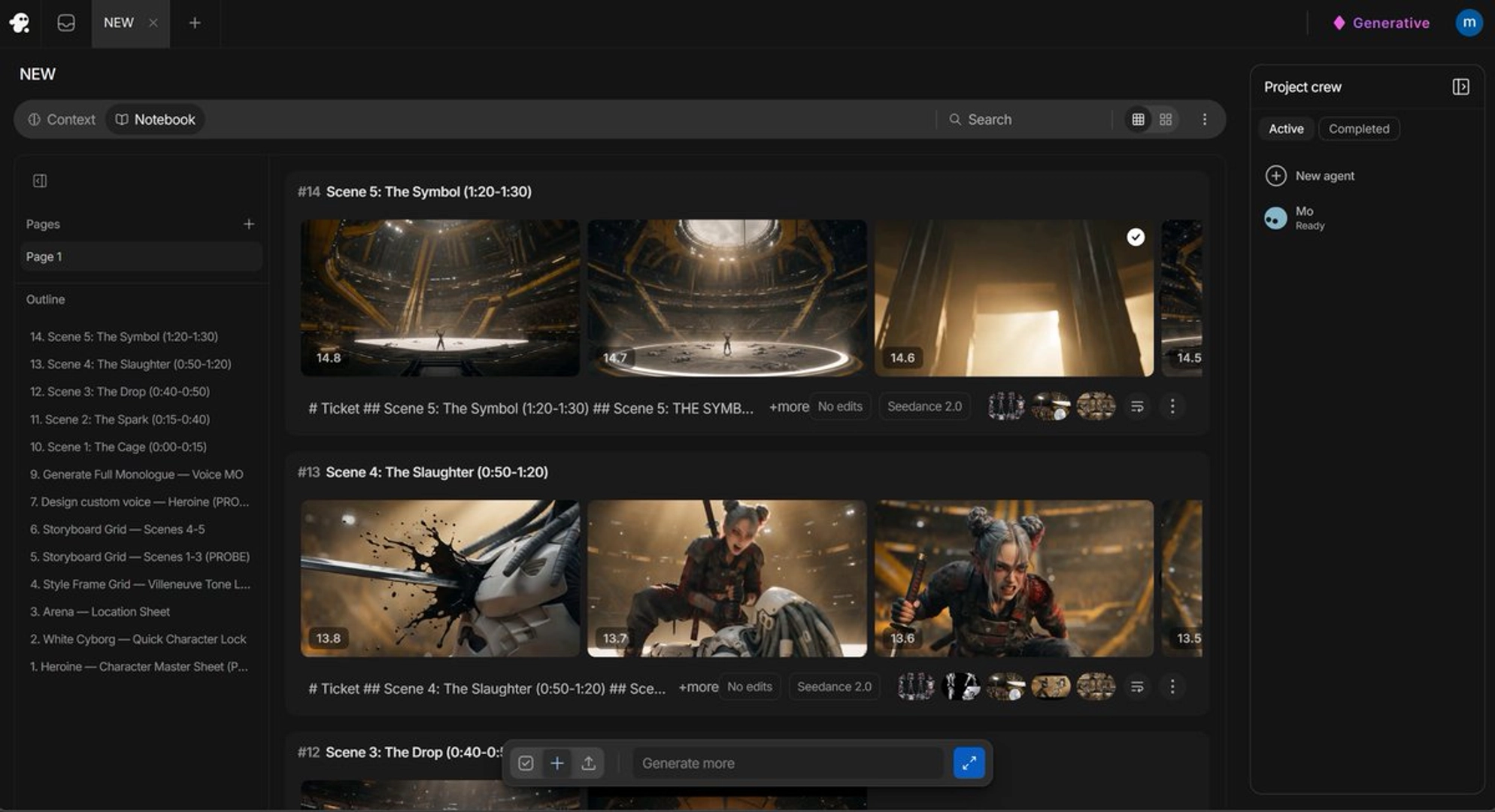
it's always better for my experience to put a face so that see dance will recognize that face and try to match it as close as possible to something similar as far as voices go.
— a filmmaker documenting AI voice consistency techniques