What is asset versioning in AI video production and why does it matter?
Last updated July 27, 2026
Asset versioning in AI video production is numbered tracking of every generated asset — character sheets, environment references, shots — where each iteration gets its own identifier (asset 5.1 regenerated becomes 5.2), so the locked version is always unambiguous and every downstream generation pulls from it. It matters because AI production creates far more iterations than it keeps.
Use a two-part numbering convention: the first number identifies the asset, the second its iteration. The invideo agent applies this automatically — in one documented project it autonomously regenerated asset 5.1 into 5.2 when unsatisfied with the result, and its project notebook showed shot variants numbered 21.1–21.5 under scene entries in a production with scene numbering running past #169. invideo is an agentic video creation tool, and this versioning lives inside its persistent context system, so the numbering is maintained for you rather than in your own file names.
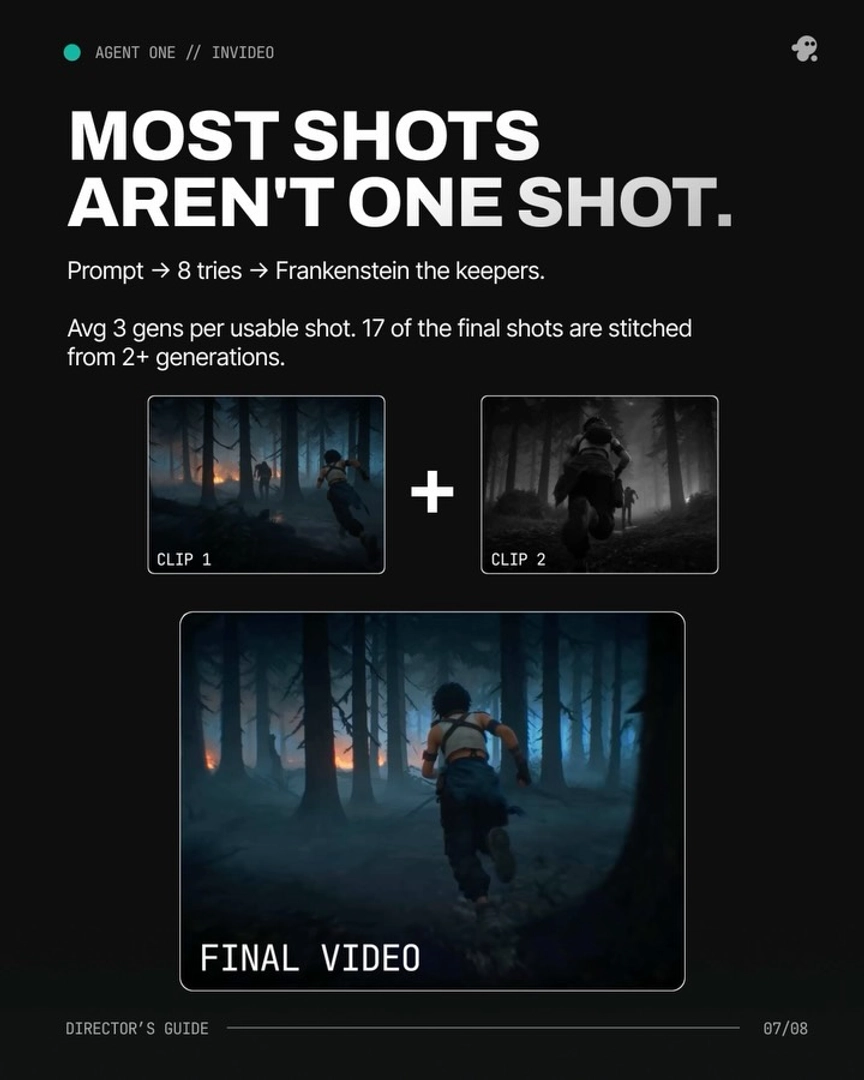
Why it matters: iteration volume. AI video averages about 3 generations per usable shot, and one documented 3-minute animated episode generated 164 clips to keep 41 — a ~25% selection rate, with an average of 5 seconds used from each 15-second clip. At that volume, version identifiers are the only reliable way to know which generation is canonical when you edit, compare iterations, or regenerate a shot.
Why it matters: one source of truth for consistency. When a continuity error appears in a shot, fix the versioned source asset instead of re-rolling the shot: ask the invideo agent to inspect the character sheet, and it identifies the exact panel with the error, corrects it, stores the updated version in context, and regenerates only what's needed — every subsequent shot inherits the fix. Versioned assets also propagate globally: in one project, a single outfit note updated 6 images across 3 sequences, and connected sub-agents cross-referenced versions — renaming a character in one caused another to flag an outdated backdrop asset.
Why it matters: manual edits must re-enter the version log. If you take manual control of an image — a close-up crop, a direct tweak — log the result back to the invideo agent's shot breakdown so its memory stays accurate. Unlogged assets fork your project state, and downstream generations will pull the stale version.
Why it matters: the cost of not having it. Tools without persistent, versioned context lose roughly 20 minutes per session to re-describing characters, world, and visual language from scratch, and asset management remains a documented pain point in AI episodic production — one episode dispatched 920 individual agent tasks, all of which need to resolve to the correct asset version.
Watch some of these to see what works for you:
Every single one of these tools has amnesia. You spend 20 minutes setting up your character, your world, your visual language, generate a clip, it looks great, then you move to the next scene, and the tool has forgotten everything.
— a filmmaker documenting AI video production workflows