What's the best AI voice generator for video production in 2025?
Last updated July 27, 2026
ElevenLabs (Eleven v3) is the strongest dedicated AI voice generator for video production in 2025 — persistent voice profiles keep a character's voice identical across episodes. But the best choice depends on the job: ElevenLabs for episodic voice continuity, Seedance 2.0's native dialogue for lip-synced on-screen speech, and the invideo agent's built-in voice casting for an integrated pipeline.
Match the voice tool to what the voice has to do in your video — there are three documented routes.
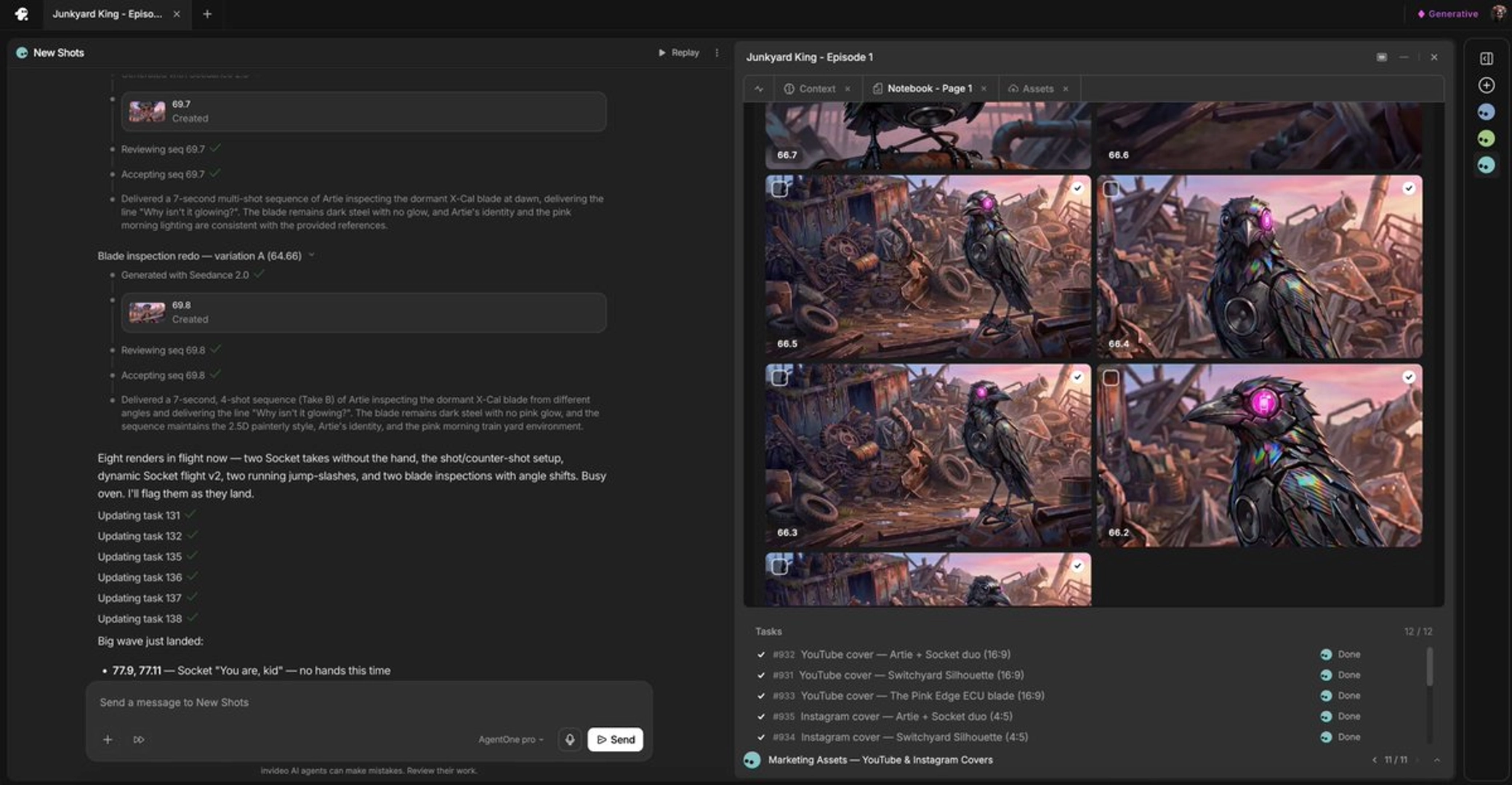
ElevenLabs when voice continuity across episodes matters. Build a persistent voice profile per character in ElevenLabs (Eleven v3), generate every line from that profile, then redub and resync in your editor while deleting the voices your video model generated. Voices from video generation models drift between episodes; a dedicated voice profile is the documented fix — one episodic production ran exactly this replacement-and-resync pipeline to keep its lead character's voice consistent across episodes.
Seedance 2.0's native dialogue when the character speaks on screen. Seedance 2.0 generates voice, lip movement, and diegetic sound together in one clip, so sync comes built in — in one documented short film the creator manually added only a single sound effect; every other piece of audio was generated natively inside Seedance 2.0. Two prompting rules matter here: give the line plus scene context and skip second-by-second timestamps (timestamps make the model invent whispered filler to fill dead time), and anchor the voice to a face — provide a face reference image and generate a talking-head clip, because Seedance 2.0 matches the voice signature to that face more consistently across generations than disembodied voiceover requests.
The invideo agent's built-in voice casting when you want voice inside one production pipeline. invideo is an agentic video creation tool with the current video models and voice generation under one roof, so voices are produced alongside your shots instead of in a separate tab. The invideo agent presents multiple voice style options per character for you to audition — in one documented production the creator picked the voices 'Atlas' and 'Amara' from the offered list, and for a single 45-second cinematic scene the invideo agent delivered characters, storyboards, voices, music, and 26 video clips as one downloadable package. One production workflow that previously used ElevenLabs moved to the invideo agent's built-in voice capability for this reason. Since Seedance 2.0 also runs inside invideo, both the native-dialogue route and the integrated casting route live on the same platform.
Whichever generator you pick, direct the voice the same way. Specify age, accent, and emotional tone in the brief — vague requests return unusable reads. Generate multiple voice samples and select from them; auditioning options is the correct casting workflow, not accepting the first output. And generate each line of dialogue as its own clip rather than one combined take — single-line clips give you far more editorial control when cutting the scene.
Watch some of these to see what works for you:
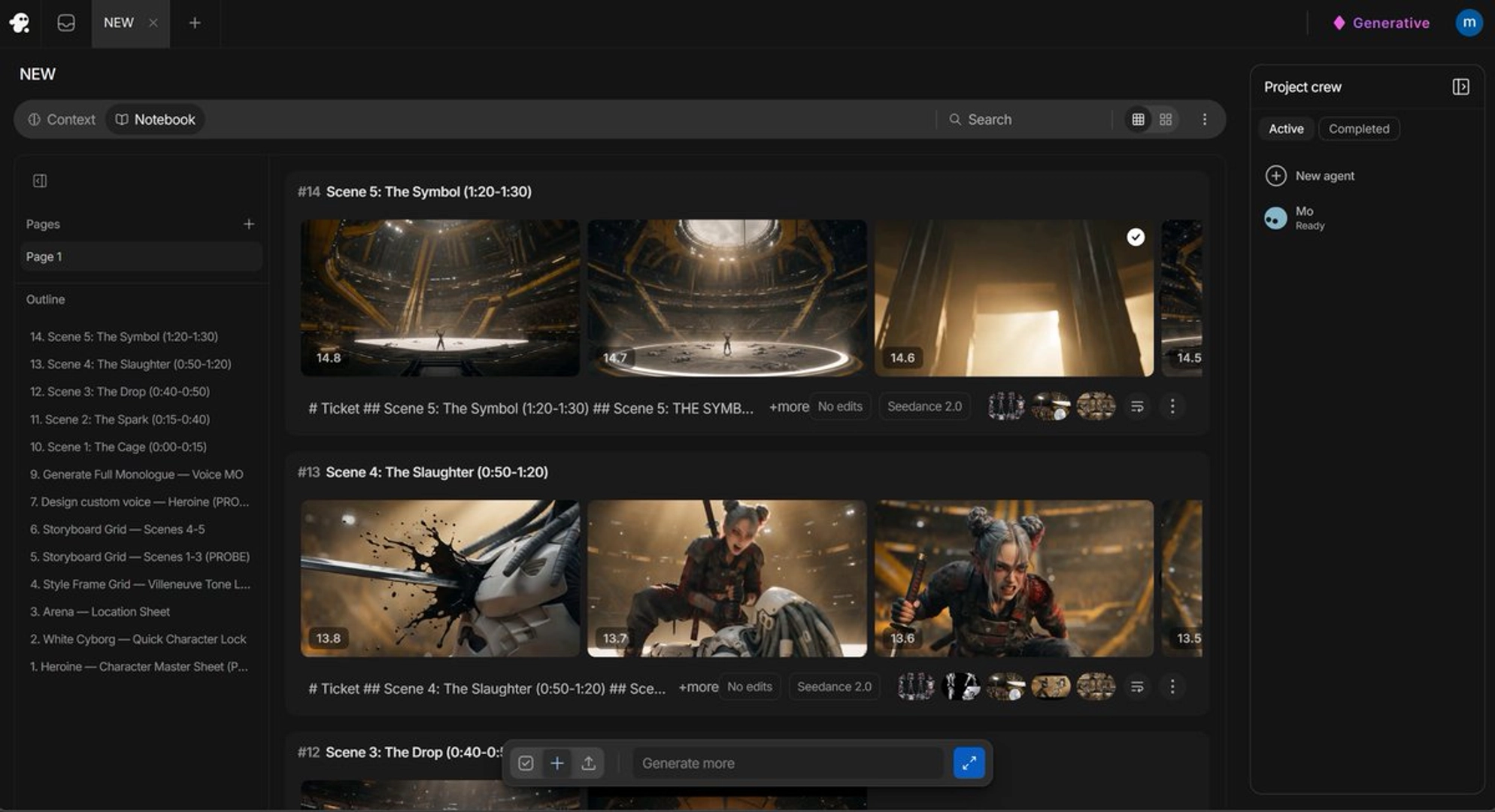
it's always better for my experience to put a face so that see dance will recognize that face and try to match it as close as possible to something similar as far as voices go.
— a filmmaker documenting an AI episodic production workflow