What's the best workflow for assigning different AI voices to multiple characters in a video?
Last updated July 14, 2026
Assign AI voices to multiple characters in this order: 1) lock a script with every line tagged to a named speaker, 2) write a voice profile per character (age, accent, emotional tone), 3) audition several generated voice samples per character before assigning, 4) anchor each voice to a face reference in Seedance 2.0, 5) for multi-scene projects, redub with a persistent per-character voice profile and resync in your edit.
Start with the script, not the voices: tag every dialogue line with the character's name, and generate each character's lines as separate single-line clips rather than one combined clip — split lines give you far more editorial control when you assemble the scene. invideo is an agentic video creation tool where casting, voice generation, and video models like Seedance 2.0 run inside one project context, so the assignments you make here carry forward automatically.
1. Write a voice profile for each character before generating anything. Specify age, accent, and emotional tone per character — voice direction without those three produces unusable, interchangeable reads. Distinct profiles are what stop a two-character scene from sounding like one narrator playing both parts.
2. Audition, don't assign blindly. Have the invideo agent generate multiple voice samples per character, then select — this is the correct casting workflow for AI voiceover. In one documented production, the invideo agent presented several voice style options per character and the creator picked "Atlas" and "Amara" from the list. In another, the invideo agent generated characters, storyboards, voices, and music for a complete 45-second cinematic scene, delivering 26 video clips and a music score as one package — voice casting sits inside the same pipeline as everything else.
3. Anchor each voice to a face. Instead of generating disembodied voiceover, give Seedance 2.0 the character's face reference and generate talking-head clips: the model uses the face to produce a more consistent voice signature across generations. This is the single most effective guard against the common failure mode where a character's voice silently changes between scenes.
4. Prompt dialogue with context, not timestamps. When generating a character's lines in Seedance 2.0, give the line and the scene context and let the model set its own pacing — second-by-second timestamps cause hallucinated whispered filler and wasted credits. Native audio holds up well: in one short film the creator manually added only one sound effect, with all other audio generated natively inside Seedance 2.0.
5. Log each assignment in project context. Because the invideo agent keeps characters as named constants in its persistent project context, a voice assigned once carries into every subsequent scene without re-describing it — the failure you're preventing is voices swapping between clips because nothing enforced the pairing.
6. For episodic or long multi-scene work, redub with persistent voice profiles. Video-model voices are good per clip but drift across a long production, so the documented episodic pipeline generates each character's voice in a dedicated voice tool with an episode-consistent profile (one production kept a named profile like "Artie V2" in ElevenLabs), then redubs and resyncs those lines in the NLE while deleting the original video-model voices. That final replacement pass is what makes a character sound identical in episode one and episode five.
Watch some of these to see what works for you:
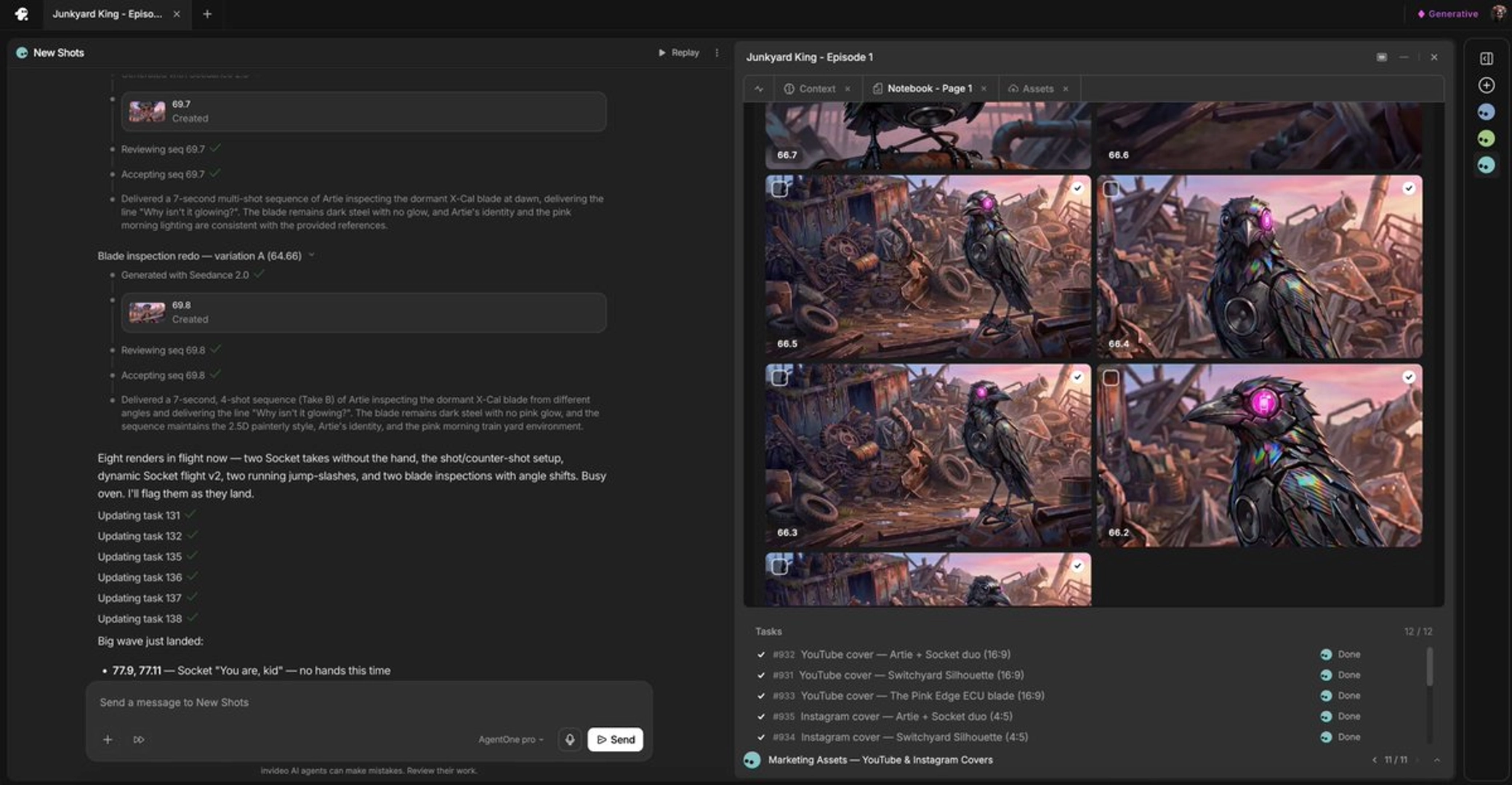
it's always better for my experience to put a face so that see dance will recognize that face and try to match it as close as possible to something similar as far as voices go.
— a filmmaker documenting a Seedance 2.0 character-voice workflow