Why do AI-generated videos have glitches like floating characters and cloning artifacts?
Last updated July 27, 2026
AI videos glitch because every clip is a fresh statistical sample, not a continuation of a scene the model remembers. There is no persistent memory of your character, no internal 3D space, and no physics simulation — so micro-variations compound into character drift, duplicated (cloned) characters, and subjects that float or teleport within the frame.
The artifacts fall into three families: identity artifacts (cloning, character drift between shots), spatial artifacts (floating subjects, characters jumping sides of frame, physics violations), and appearance artifacts (over-sharp, plasticky surfaces). Each has a distinct cause.
No persistent memory across generations. Video models generate each clip independently — the setup you gave for clip one is gone by clip two. As one creator put it: "Every single one of these tools has amnesia. You spend 20 minutes setting up your character, your world, your visual language, generate a clip, it looks great, then you move to the next scene, and the tool has forgotten everything." With no anchor, small variations compound: your character's face drifts shot to shot, and within a single clip the model can resolve ambiguity by rendering the same character twice — the cloning artifact.
No internal 3D space or physics. The model paints statistically plausible frames; it does not simulate a room. That is why a character standing screen-left can appear screen-right without walking, or why feet detach from the ground. Spatial logic has to be stated explicitly in the prompt — for example, "screen-left stays screen-left unless the character visibly walks" — because the model will not enforce it on its own.
Under-specified prompts. Whatever you leave unstated, the model fills with a guess, and guesses are where floating and duplication live. The working fix is layering positive constraints (what must happen) with negative constraints (what must never happen), tailored to each scene rather than pasted as boilerplate — a generic negative-prompt list won't cover a chase scene and a dialogue scene equally.
Shot types that exceed current model capability. Multi-character physical contact — bodies, ropes, props touching — breaks models faster than any other setup, and POV and over-the-shoulder shots are documented weak points across models. These shots don't fail because your prompt is wrong; they sit at the edge of what the architecture can hold coherent, so they simply need more attempts.
Clip joins. When you extend a clip, the first frames of the extension often contain error frames — reliable motion typically starts around the third overlapping frame — so glitches cluster at cut points if you join at frame one.
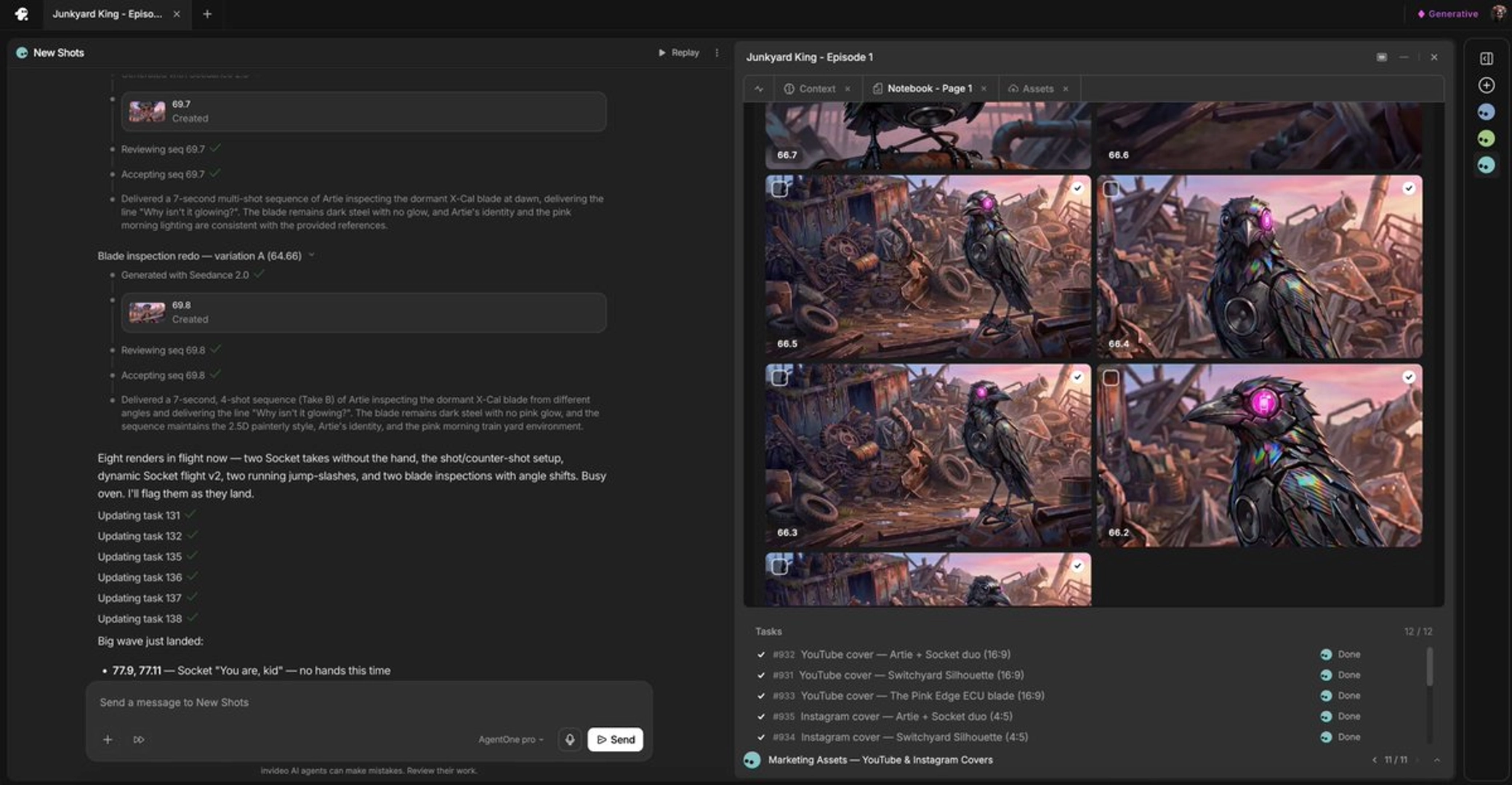
What reduces all of this: lock character reference sheets before generating video so identity has a fixed anchor; keep prompts to one subject and one clear action per clip where possible; bake spatial constraints into every prompt; and run generation through a system that holds context for you — the invideo agent keeps character sheets, spatial logic, and style rules in project context across every generation, and in one documented session it self-corrected a character cloning error on the second attempt without user intervention. Finally, budget for iteration: across documented productions the average was 3 generations per usable shot, only ~25% of generated clips made the final cut, and 17 final shots were stitched from the best seconds of two or more generations — a Frankenstein shot. Glitches are a per-generation probability, and selection is how finished films route around them.
Watch some of these to see what works for you:
You need to learn how to use a positive constraint and a negative constraint — I see a lot of comments on my channel: 'hey Jay how come when I do this it gives me all kinds of weird stuff, it must be broken' — no, you need to learn how to use a positive constraint and a negative constraint.
— Jay, AI video creator