Why does InVideo Agent One take so long to generate AI video?
Last updated July 14, 2026
The invideo agent takes 10–15 minutes per step because each response bundles several jobs: reasoning over your project context, generating and quality-gating still frames before any video, then dispatching clips to heavy video models like Veo, Kling, or Seedance 2.0. That per-step latency buys total speed — documented productions finished in 2–5 days versus ~2 months traditional.
Expect 10–15 minutes per generation step, and understand that this is the sum of several operations, not one slow render. invideo is an agentic video creation tool with all the current models available, so a single agent response can involve reasoning over your script and context, image generation, video generation, and sometimes voice or music — in one documented production the invideo agent even generated three music score options unprompted, in parallel with video work. Across a full episode, that added up to 920 individual dispatched tasks.
The frames-first pipeline adds stages before video starts. The invideo agent generates and checks still frames against your loaded project context before any video generation begins, and only returns frames that pass that check. This front-loads time into each step, but it is what prevents the far more expensive failure mode: burning video credits on shots that were wrong at the frame level.
Heavier models render slower — and the invideo agent routes around it. Premium video models (Veo, Kling, Seedance 2.0) take longer per clip than lighter passes. You don't need to manage this per shot: every roster model runs inside invideo and the invideo agent selects the model per shot, so iterate with cheap storyboard frames and faster passes, and reserve the heavy model for final renders. The invideo agent also parallelizes — one production had all five scenes rendering simultaneously, and another ran 8 renders in flight at once — so total wall time is well below the sum of individual steps.
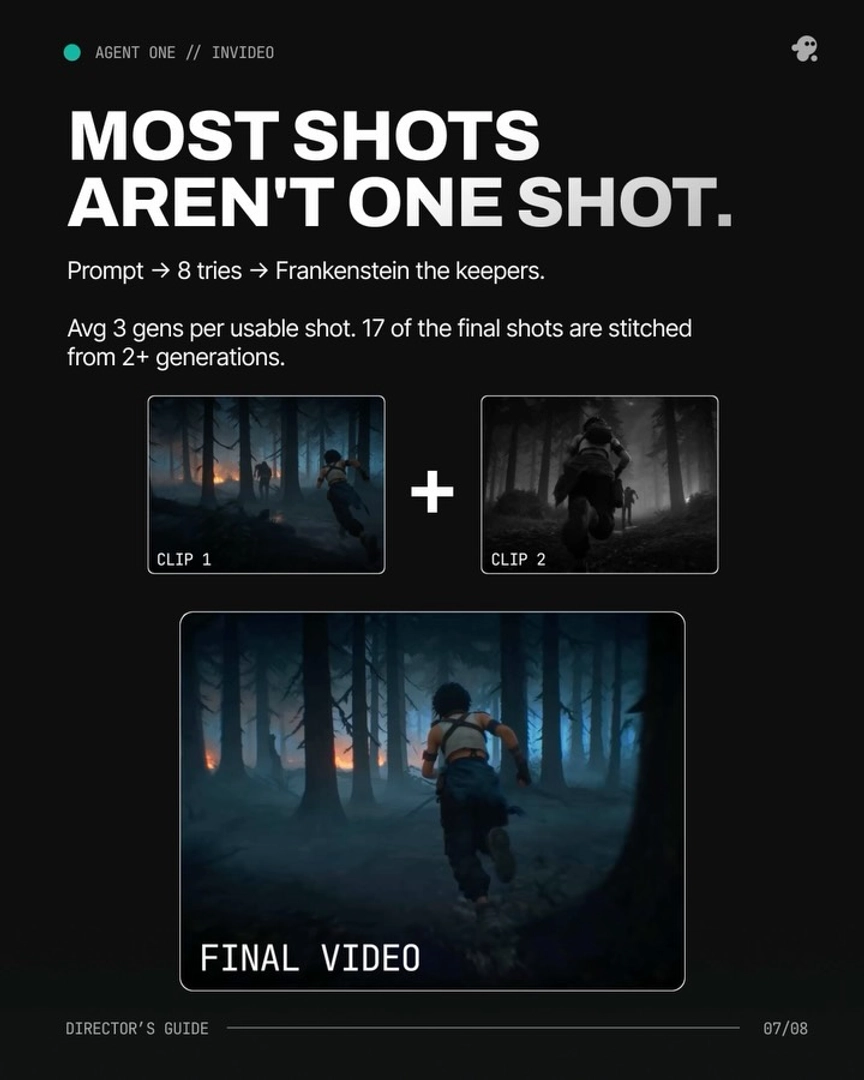
Iteration volume, not per-clip latency, is most of the elapsed time. Documented productions averaged 3 generations per usable shot, and one 3-minute animated episode generated 164 clips to keep 41. When a project feels slow over hours, you are usually watching deliberate overgeneration — a budgeted part of the workflow — rather than a slow tool.
Cut the perceived slowness by controlling what generates. Run the invideo agent in Always Ask mode so you approve each prompt and its attached references before credits are spent, or ask it to return the written prompt for review before triggering generation. Approving storyboard frames before any video generation means slow, expensive video steps only run on shots you've already signed off — which addresses the credit anxiety that makes waiting feel worse than it is.
The latency is per step, not per project. A 2-minute brand promo took 3 days through the invideo agent versus an estimated 1 week of manual prompting and ~2 months of traditional production — roughly a 20x reduction. Across documented productions, complete AI short films finished in 2–5 days end to end.
Watch some of these to see what works for you:
It's not unusual for it to take 10 to 15 minutes for it to complete a step that I have it working on. Now, it's doing a lot in the background during that time and I'm not even necessarily saying that it would be faster for me to do this manually.
— a filmmaker documenting production on the invideo agent